
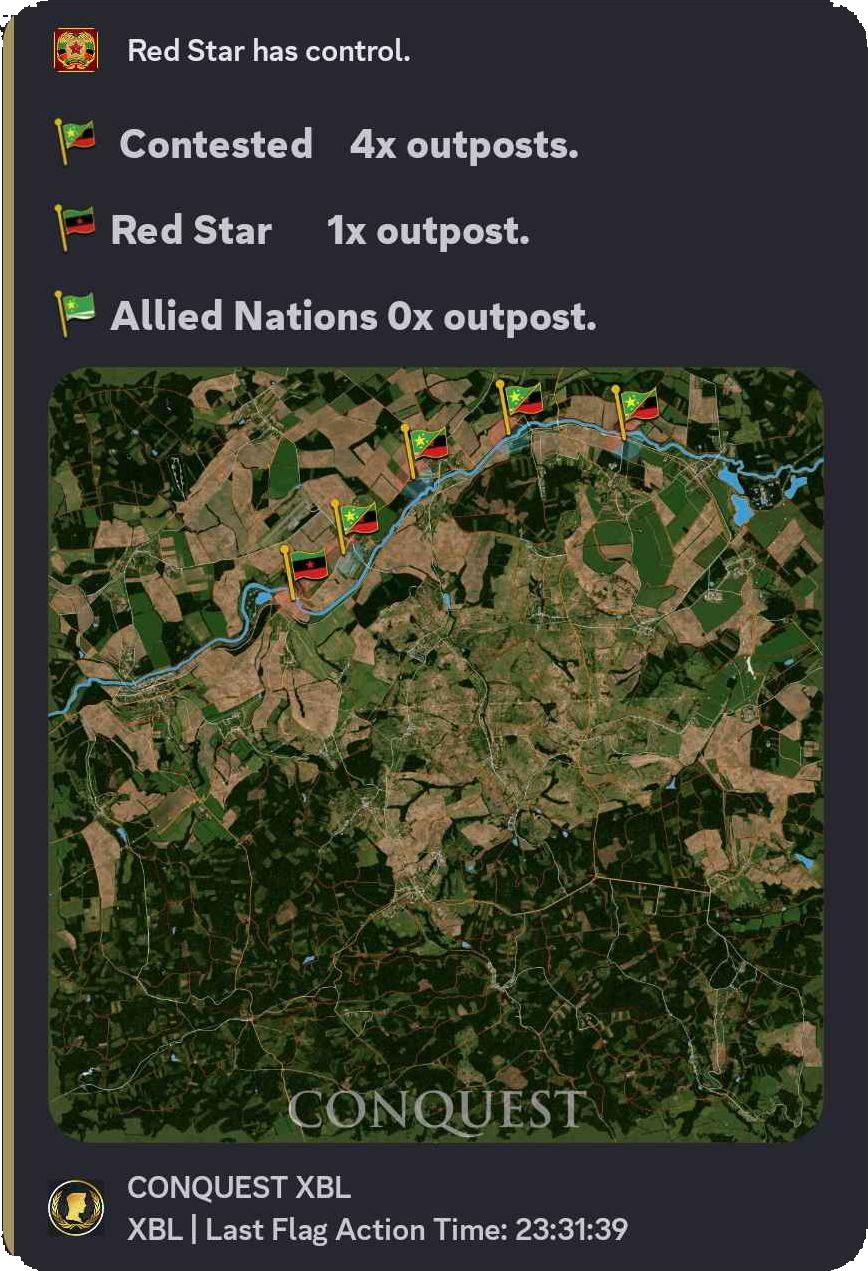
Territory map
Flag Map for Factions and Team Conquest
Show faction flags, contested areas, and score visuals for territory, conquest, and team-based DayZ servers.
Who controls what
Flag Map gives territory servers a visible state of play.
Faction and conquest servers need more than chat claims about who owns an area. The map gives staff and players a shared picture.
Flag Feed shows what changed. Flag Map shows what the territory looks like now.
Territory map display
Owners use it to make faction competition easier to understand. Players can see the objective, the scoreboard, and the result of territory pressure.
It also helps staff promote events because the map gives screenshots and visuals worth sharing.
Commands
- Use the flag-map commands to configure teams, flags, and scoring.
- Use Flag Feed to monitor flag activity as it happens.
- Use
/settings channel assignso faction or event posts land where players expect them.
Faction display rules
- Keep team names and flag rules simple. Players should understand the objective from the scoreboard and map.
- Use Heatmaps after events to see whether the territory layout actually created fights.
Commands and options
Copy the command name, then fill in the Discord options listed under it. Discord shows the option fields after the command is selected.
/settings channel assign