
Linked account review
Alt Ban and Linked Account Review
Check linked accounts, device context, and stored alt-ban records before staff treat a returning player as ban evasion.
Evidence before action
Alt Ban gives staff the records needed to review ban evasion properly.
Staff can search a main gamertag, review associated accounts/devices, then decide whether an alt-related ban is justified.
Persistent alt bans should be used for serious evasion cases. Weak matches still need tickets, logs, player linking, and feed history checked first.
Search first
/alt detector search
Start here when a staff member suspects ban evasion. Search the main gamertag, review the associated gamertags, alts, and devices, then compare that result with the ticket or incident that caused the review.
Ban deliberately
/alt detector ban
Use this only after staff decide the linked records justify an alt-related ban. The persistent option can keep checking for future linked alts, so it should be used for serious ban-evasion cases rather than weak matches.
Undo cleanly
/alt detector unban
Use this when staff reverse an alt-ban decision. It removes the associated alt-ban action instead of forcing staff to clean up every related account manually from memory.
Setup requirement
Alt detection depends on Nitrado settings and available RPT data.
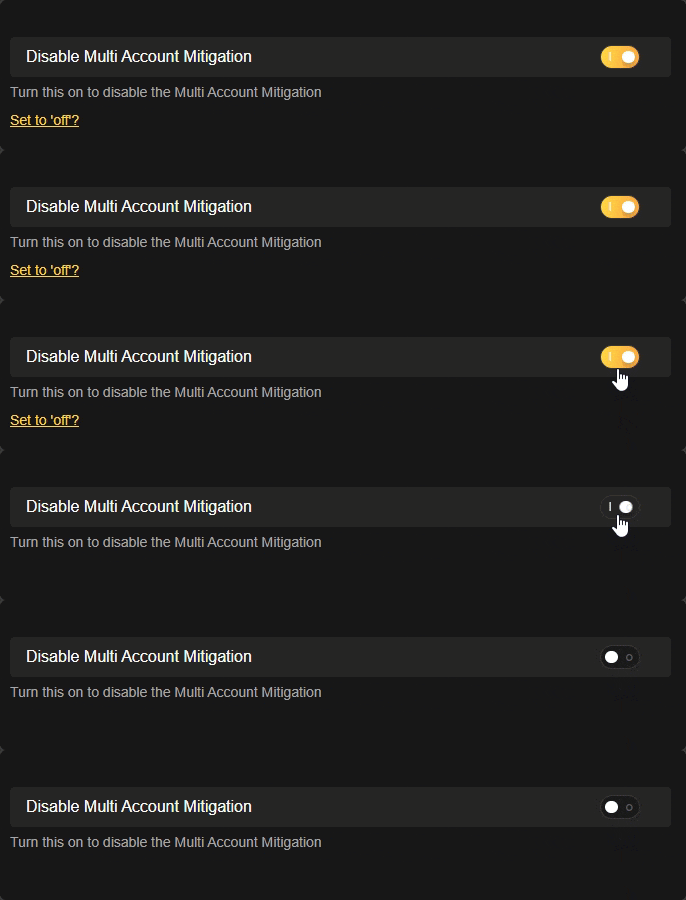
The bot warns owners to disable DisableMultiAccountMitigation because device IDs are not available when that Nitrado setting blocks them. The related dashboard control is under /nitrado dashboard settings with the altdetection option.
If the RPT data is missing or the Nitrado setting blocks device IDs, Alt Ban cannot prove the same account relationships it could otherwise review.
/alt detector state
Turns the alternate-account detection behavior on or off for the server. Use this as a server-level setting, not as a punishment command.
/alt detector view
Shows the current alt-ban list so staff can audit what is already being enforced.
/alt remove
Removes gamertags from the alt-ban system when staff need to correct stored records.
Staff review example
A player is banned for repeated rule breaks, then a new gamertag appears with matching linked-account context. Staff use /alt detector search, compare the result with tickets and feed history, then use /alt detector ban only if the evidence is strong enough for the server's rules.
Commands and options
Copy the command name, then fill in the Discord options listed under it. Discord shows the option fields after the command is selected.
/alt detector search/alt detector ban/alt detector unban/alt detector state/alt detector view/alt remove