
File commands
DayZ File Editing Helpers
Download, edit, upload, and generate common DayZ server files with Discord commands and supporting site tools.
Server file work
File Editing Helpers keep common DayZ edits closer to the server controls.
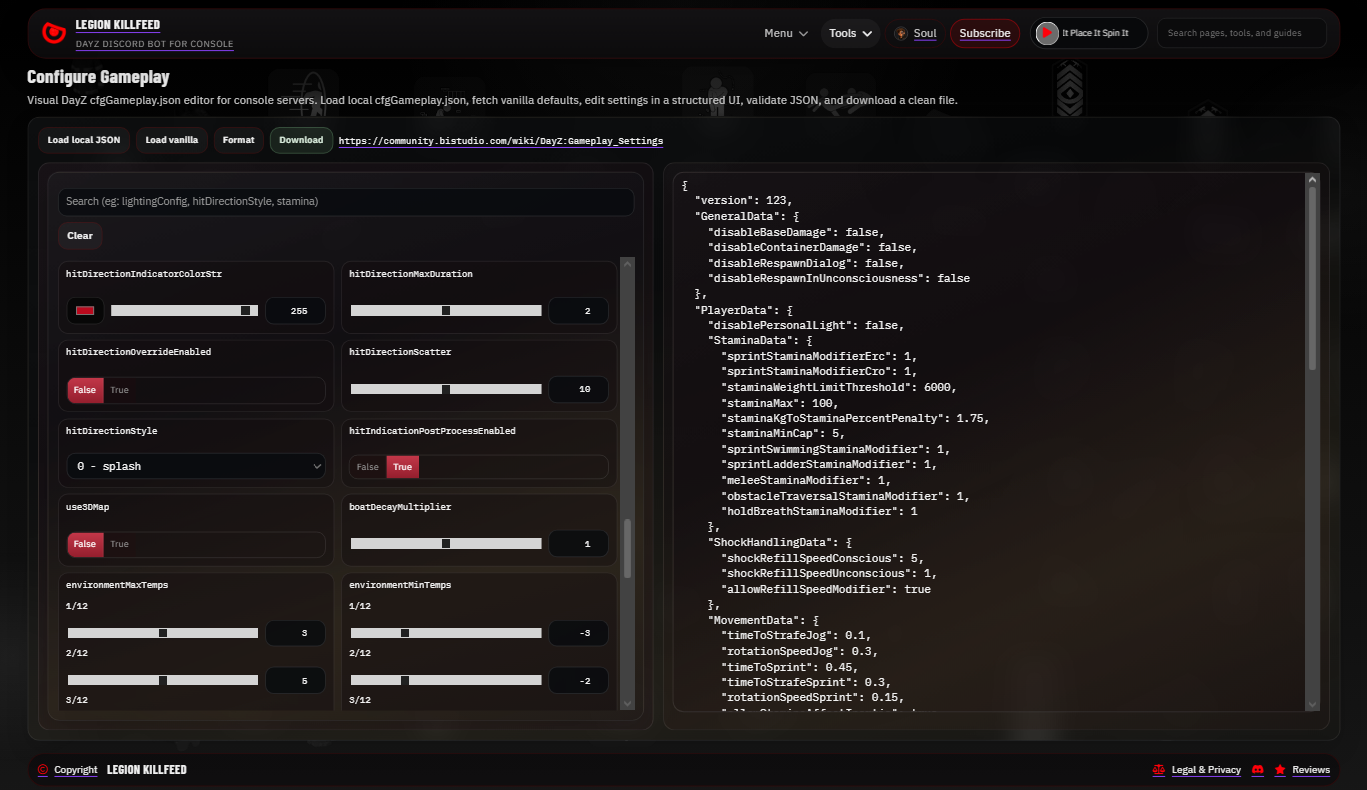
They cover gameplay settings, base damage, container damage, spawn gear, object spawner files, teleports, QR signs, and other recurring file tasks.
The commands do not hide what the files do. They reduce manual handling and make common edits easier to check before upload.
File helper commands
Owners can move faster without handing every file to a third party. Staff can make repeatable edits and still review what changed.
Common jobs include events, wipes, trader files, spawn loadouts, and server rule changes.
Command directions
/file downloadgets the current server file from the selected folder before staff edit anything./file gameplay editadds or removes supportedcfggameplay.jsonfile references such as Object Spawner or Spawn Gear entries./file gameplay damagechanges base damage and, if needed, container damage in the gameplay file./file uploadsends the reviewed file back to the selected server folder./generate teleports filebuilds a teleporter file from DayZ Editor marker items./generate qrcode signbuilds an in-game QR code sign from coordinates, URL, and compass direction.
Review before upload
- Do not upload a file you have not reviewed. File mistakes can stop a server from starting correctly.
- Use the site tools beside the Discord commands when a visual editor or validator is safer than manual text editing.
Commands and options
Copy the command name, then fill in the Discord options listed under it. Discord shows the option fields after the command is selected.
/file download/file gameplay edit/file gameplay damage/file upload/generate teleports file/generate qrcode sign