Killfeed
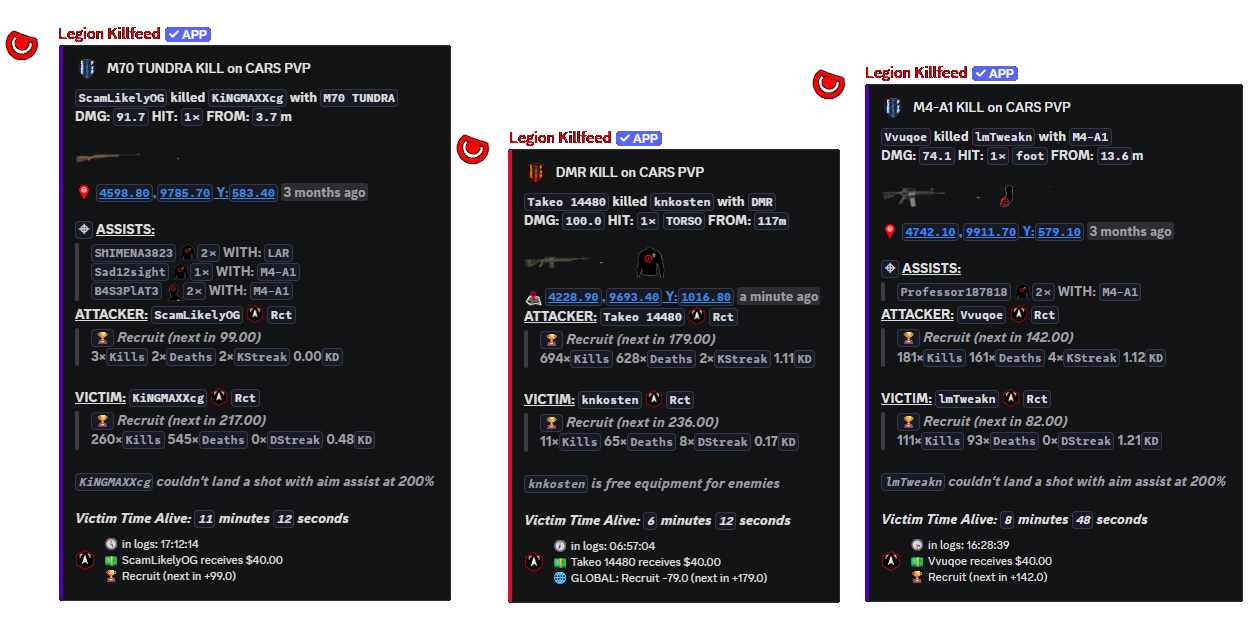
PVP kill posts show who killed who, the weapon, distance, time, location output and the linked player context Legion can safely display. These records also feed player stats, leaderboards, streaks, headshots and longest-kill tracking.
Combat and activity records
Legion turns DayZ server logs into Discord posts for combat, deaths, player movement into the server and unconscious events, then lets owners decide which channels show exact locations, nearby areas or no location links.
PVP kill posts show who killed who, the weapon, distance, time, location output and the linked player context Legion can safely display. These records also feed player stats, leaderboards, streaks, headshots and longest-kill tracking.
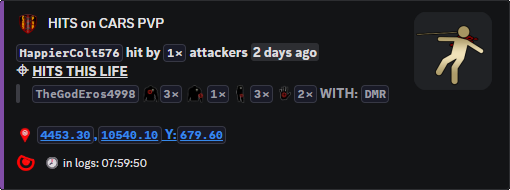
Hit Feed catches damage lines before they become kills. Staff can see who hit who, weapon or damage source where available, health change, distance and the logged position. It is useful for damage disputes, suspected third-partying and checking whether a fight started inside a protected area.
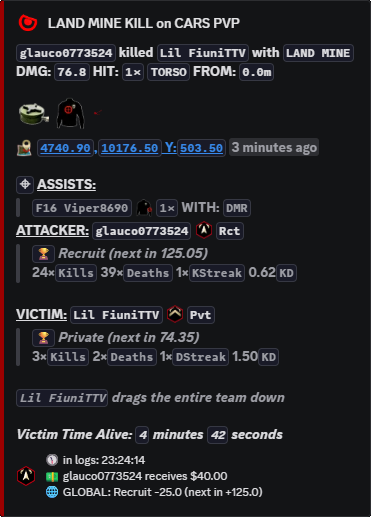
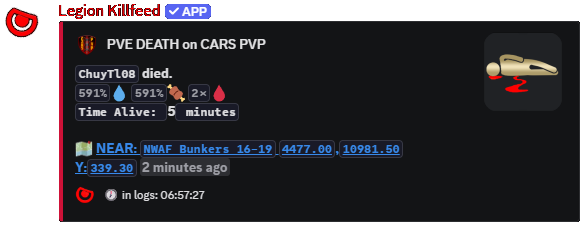
PVE Feed separates deaths not caused by another player: infected, animals, explosions, landmines, suicide, fall damage and other server-side death causes. PVE servers use it for rule enforcement, while PVP servers use it to explain deaths that did not belong in the killfeed.
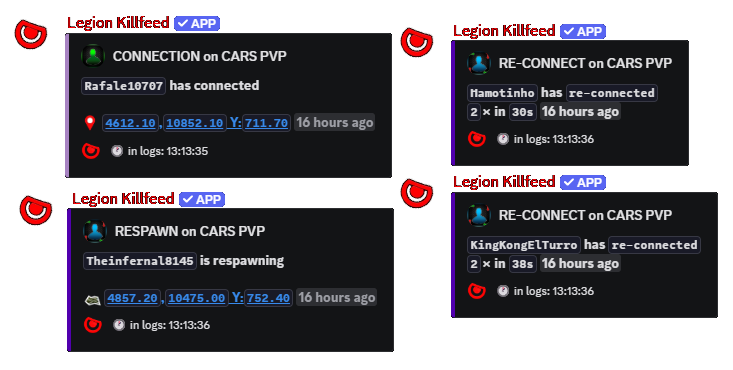
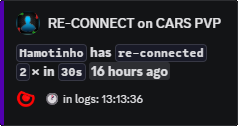
Connect Feed records players joining, disconnecting and reconnecting. Owners use it to see who came back after combat, who is repeatedly reconnecting and whether a player was online around the time of a report.
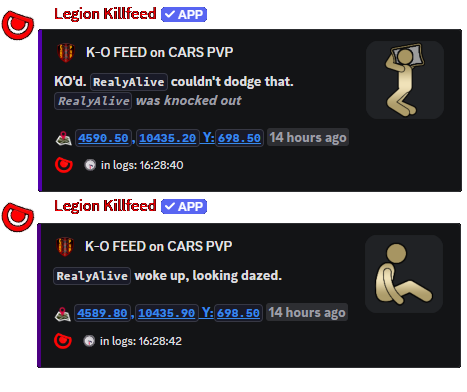
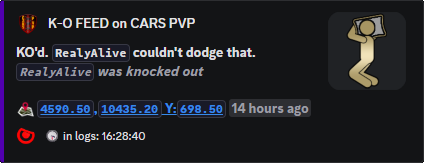
Unconscious Feed posts knockouts separately from full deaths. It gives staff a cleaner view of non-lethal fight outcomes, rubber-bullet style events, risky base raids and players being knocked out before a later kill or revive.
Legion watches the server log files that Nitrado stores for the DayZ server. When a new line appears for a kill, hit, death, connect or unconscious event, Legion reads the useful parts of the line, matches the player records it already knows, formats the result and posts it to the assigned Discord channel.
Owners are not expected to read raw log syntax. The bot turns the log into a post with player names, time, item or weapon detail, distance when available, location output and links only when the location setting allows it.
| Setting | Controls | Use |
|---|---|---|
/settings channel assign |
Killfeed, PVE Feed, Hit Feed, Connections and Uncon Feed channel destinations. | Separates public combat posts from staff-only damage, death and connection records. |
/settings configure locations |
killfeed, pve, hit,
connect and uncons location output. |
Choose exact output for staff channels or safer public output such as near/no-link where required. |
/settings configure logo and
/settings configure color |
Server embed image and embed colour. | Keeps combat posts branded to the selected server instead of looking like generic bot output. |
/settings channel create |
Automatic channel creation for selected feed types. | Builds the Discord layout before feeds are assigned. |
| Command | Options | Use |
|---|---|---|
/settings channel assign |
option: Killfeed, PVE Feed, Hit Feed, Connections or Uncon
Feed; channel: destination channel. |
Routes each feed to the correct Discord channel. |
/settings configure locations |
killfeed, pve, hit,
connect, uncons: On, Off, Both, Near, No Link or Near No Link. |
Controls how much location detail appears per feed. |
/logs download kills |
Current kill-only log download. | Gives staff a file copy when a Discord post needs raw log backing. |