Placement, flag and movement records

Build, Flag, Glitch and Teleport Feeds

These feeds keep base activity readable in Discord: normal building and dismantling in Build Feed, watched item categories in Glitch Feed, flag raised and lowered records in Flag Feed and configured teleporter movement in Teleport Feed.

What each placement feed is for

Build Feed

Build Feed covers the ordinary base-building trail: players building parts, dismantling, destroying, placing objects, digging in or out, mounting items, packing, folding and similar placement actions that appear in the DayZ logs.

Glitch Feed

Glitch Feed lets owners pull selected item groups out of the normal Build Feed. Generators, kits, tents, traps, barrels, fireplaces and garden plots can be watched in their own channel so staff can monitor common abuse points without burying normal construction posts.

Flag Feed

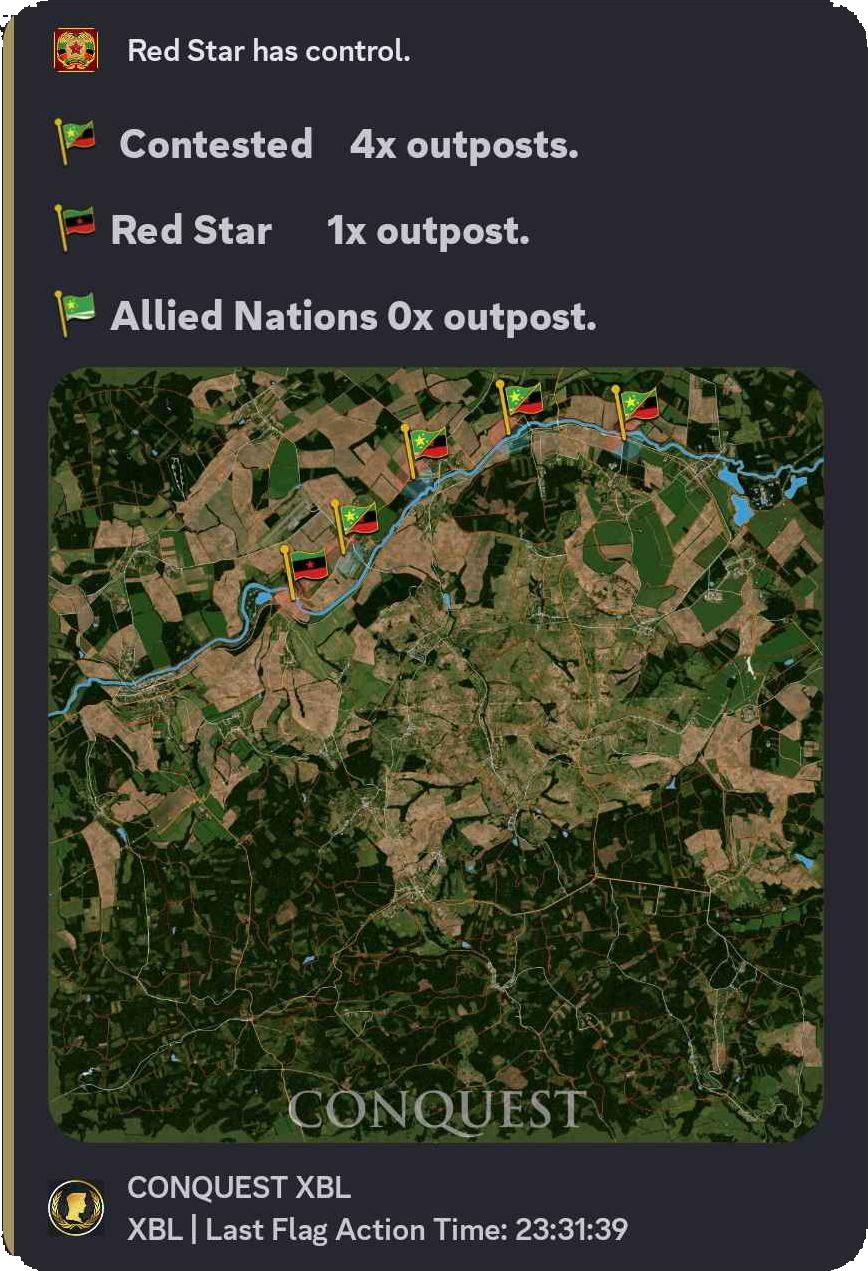
Flag Feed isolates flag raised and lowered actions. Some servers use it as a raid warning, some use it for Conquest mode, and others use it for faction war notifications or territory ownership records.

Teleport Feed

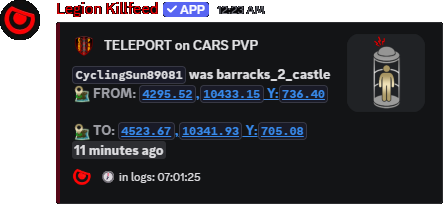
Teleport Feed records players moving through configured teleporters, showing the movement from the source marker to the destination marker so event routes, trader hubs and travel rooms do not disappear into raw logs.

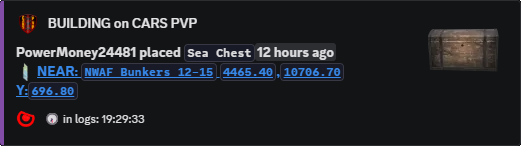
Legion build feed event showing a player placement record
Build Feed turns base actions into Discord posts with player, object, action, target/tool, time and location context.
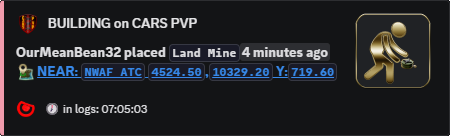
Legion placement log example
Placement records show the difference between normal object placement and a watched item category.
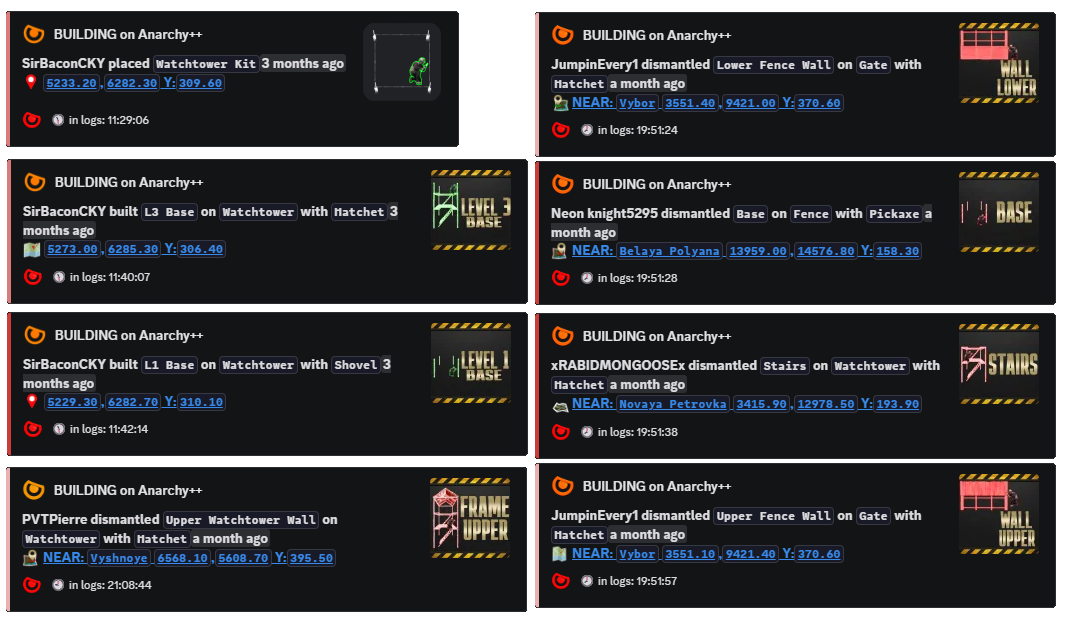
Legion placement feed example
Build activity can be reviewed without staff scrolling through the full ADM log.
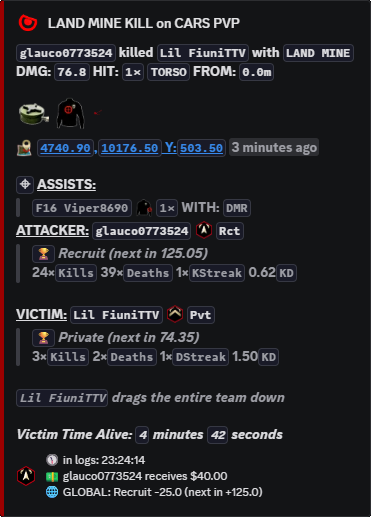
Legion teleport feed example
Teleport posts keep generated travel systems auditable from Discord.

How the feeds work

Legion reads the server log files as they update and looks for the DayZ lines that describe building, placement, flag and teleport activity. Instead of posting the raw line, it pulls out the player name, item name, action, location and timestamp, then sends the result to the feed channel assigned for that record type.

When a placement line matches one of the enabled Glitch Feed item groups, Legion sends that record to the Glitch Feed channel instead of letting it disappear among normal build activity. This does not automatically mean the player cheated; it gives staff a clean channel for items that commonly need a closer look.

Why the split matters

Build Feed stays readable

Regular walls, gates, tents, dismantles, folds, packs and placements can stay in the build channel where admins expect normal construction history.

Glitch Feed gets staff attention

Watched item categories can go to a staff channel so repeated garden plots, fireplace stacking, trap placement or kit/generator spam is easy to review.

Flag Feed can serve different rule sets

Flag raises and lowers can be used as raid alerts, Conquest progress, faction war notices or base claim records without mixing them into every other build action.

Settings that control each part

Feed Channel setting Output setting
Build Feed /settings channel assign → Build Feed /settings configure locationsbuild controls exact, near, no-link or disabled location output.
Glitch Feed /settings channel assign → Glitch Items or the optional channel on glitchfeed config. /settings configure glitchfeed toggles generators, kits, tents, traps, barrels, fires and gardens; glitch controls location output.
Flag Feed /settings channel assign → Flag Feed /settings configure locationsflag controls how flag raise/lower locations are shown.
Teleport Feed /settings channel assign → Teleport Feed /settings configure locationsteleports turns teleport location output on or off.

Command paths

Command Options Use
/settings channel assign
option: Build Feed, Flag Feed, Glitch Items or Teleport Feed; channel: destination channel. Routes each feed to the channel staff actually watch.
/settings configure locations
build, flag, glitch: On, Off, Both, Near, No Link or Near No Link; teleports: On or Off. Controls how much location detail posts for each placement feed.
/settings configure glitchfeed
generators, kits, tents, traps, barrels, fires, gardens: On or Off; optional channel. Chooses exactly which placement groups are separated into Glitch Feed.
/generate teleports file
spawner_file, teleport_item, safe_item, optional teleport_name. Builds a supported teleport file from Object Spawner markers.

Related Legion features

Site search

Find pages, tools, and guides

Copyright